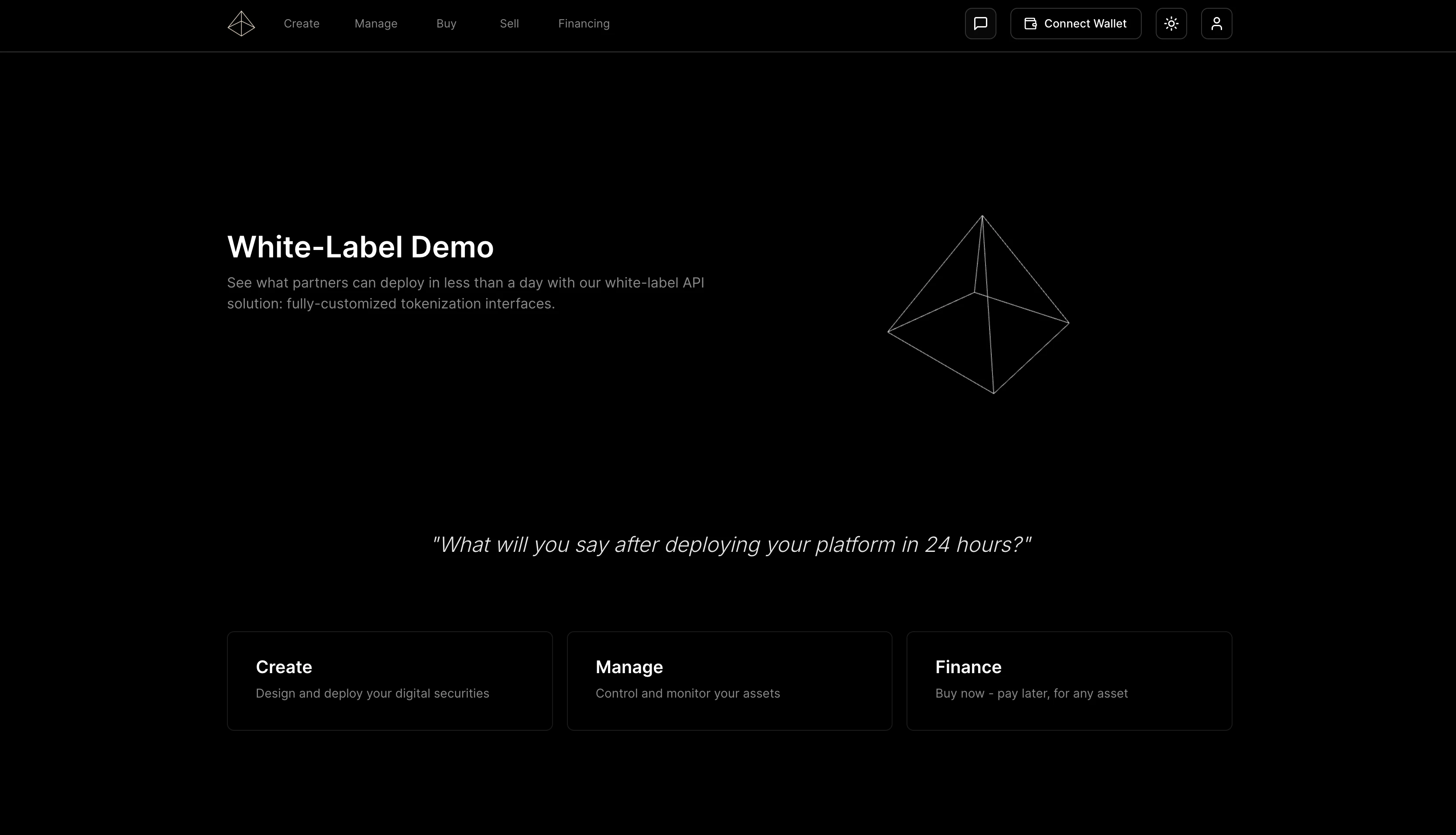
Deploy a fully branded platform for your tokenization operations directly from the Issuer Platform interface. Each instance creates one white-label deployment with customizable modules and complete control over branding, access, and functionality. Check out our interactive demo (partly outdated, updated version at Trusset Apps). The demo runs on prototype contracts for free testing purposes. Actual app-deployments use the instance’s target network.Documentation Index
Fetch the complete documentation index at: https://docs.trusset.org/llms.txt
Use this file to discover all available pages before exploring further.
How It Works
White-label deployments are created and configured through the Issuer Platform—the central control system for banks and financial institutions. No API integration required for deployment. The platform gives you visual deployment with module selection, real-time configuration updates without code, deployment logs and monitoring, and access control management through simple interfaces. The platform operates without login screens or authentication interfaces. All permissions derive from the connected wallet address automatically. When users connect their wallet, the system identifies their role and permissions instantly, shows only the interface elements they can access, and adapts the UI based on token-specific permissions. A standard token holder sees transfer and trading options. The same interface shows minting, burning, and compliance controls when an issuer connects. The blockchain determines access rights—no manual role selection required.Available Modules
Select the modules you need during deployment to build your custom configuration:Management Module
Execute minting, burning, transfers, and compliance operations through visual workflows with batch processing and analytics
Trading Module
Enable marketplace trading for security tokens or connect to Balancer pools for ERC20s with 24/7 automated markets
Financing Module
Complete mortgage infrastructure for tokenized assets with structured financing and automated payment management
Borrow Module
Overcollateralized lending using any tokenized asset as collateral with automated valuation and liquidation
Investor Dashboard Module
Comprehensive investor relationship management with granular access controls and automated reporting
Deployment Process
Deploy your white-label platform through the Issuer Platform interface in four steps (takes less than one minute).
Your platform deploys at
https://app.trusset.org/{generated-subdomain} by default, or your specified domain after DNS configuration.
Configuration Management
Configure visual appearance through the Issuer Platform’s theme editor. Set your primary color for main brand elements, secondary color for accents, background for base color scheme, font family for typography, border radius for UI styling, and shadow level for depth. The system automatically generates complementary colors, hover states, and ensures accessibility compliance. Manage access through three integrated levels. Set overall platform access to PUBLIC, WALLET_RESTRICTED, or KYC_REQUIRED through dropdown selection. Configure which addresses access specific modules using the access management interface. Compliance rules from your token configuration apply automatically to all operations. Control how lending liquidity works across your instances—either maintain separate liquidity pools per instance for maximum control and risk isolation, or enable one instance as the global pool where all tokens from any of your instances can borrow from shared liquidity for maximum capital efficiency.Real-Time Updates
Modify deployments without downtime through the Issuer Platform. Add or remove modules instantly, change colors and branding immediately, add or remove authorized addresses, and adjust module settings and permissions. Changes propagate to your live platform with no technical knowledge required.Multi-Instance Strategy
Organizations managing diverse asset types benefit from instance isolation with unified management. Deploy a real estate instance with marketplace and capital raise modules for property tokenization. Create a corporate bonds instance with management and investor dashboard for debt instruments. Build a stock token instance with trading platform and Balancer pools for equity derivatives. Each instance maintains separate compliance rules, liquidity pools, and user permissions while sharing organizational branding through the Issuer Platform.View our Modules
See all modules and deployment strategies
Test Modules
Test module workflows and interactions in a secure environment