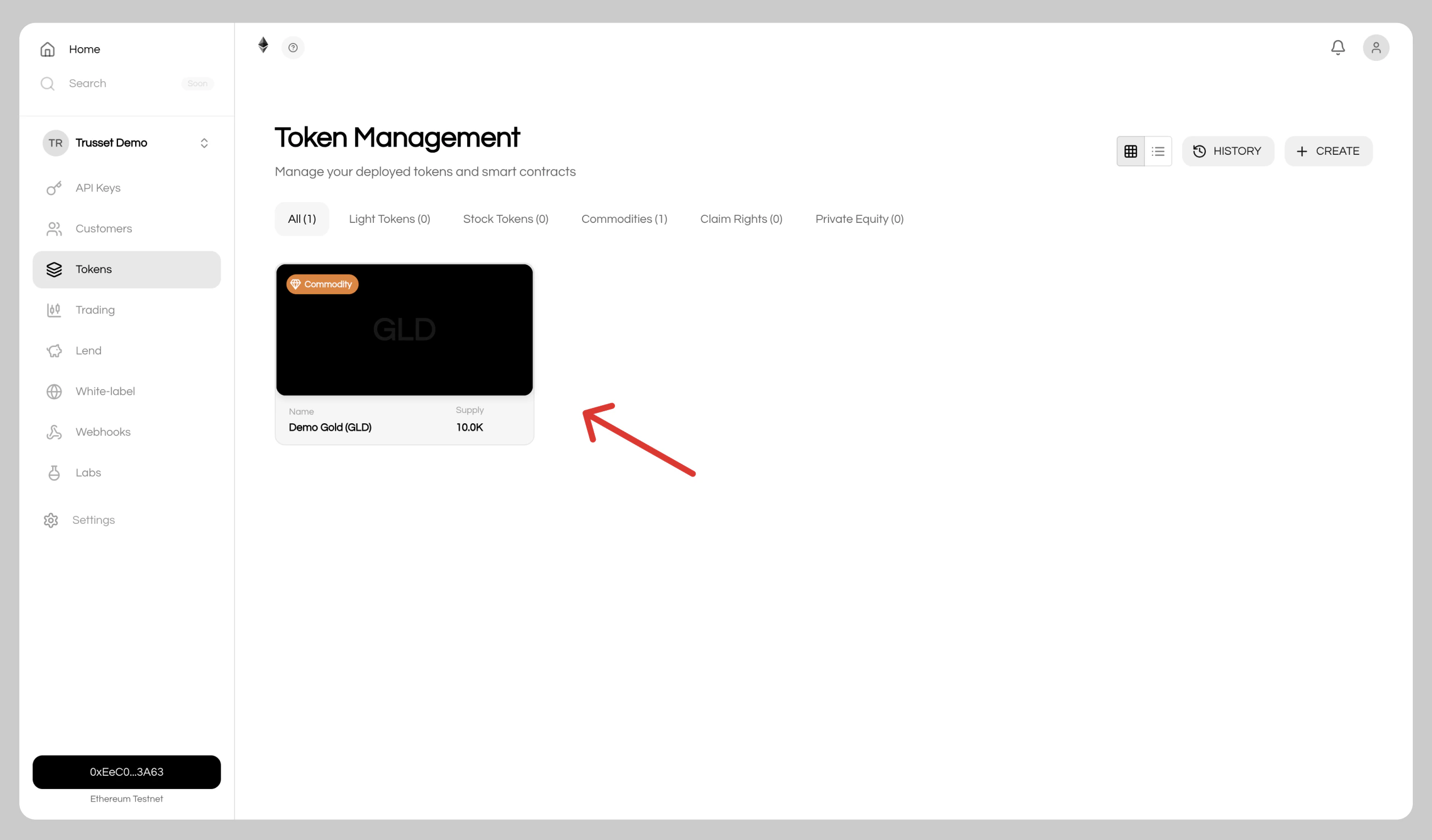
Gold tokenization under the MiCA Asset-Referenced Token (Art. 8) framework requires a licensed legal structure before minting tokens on mainnet. To start building and testing immediately, create a development instance, it runs on testnet by default. Once your legal framework is in place, convert it to a production instance on mainnet.Documentation Index
Fetch the complete documentation index at: https://docs.trusset.org/llms.txt
Use this file to discover all available pages before exploring further.
You will need sepolia ethereum to create your tokens. Get free tokens here
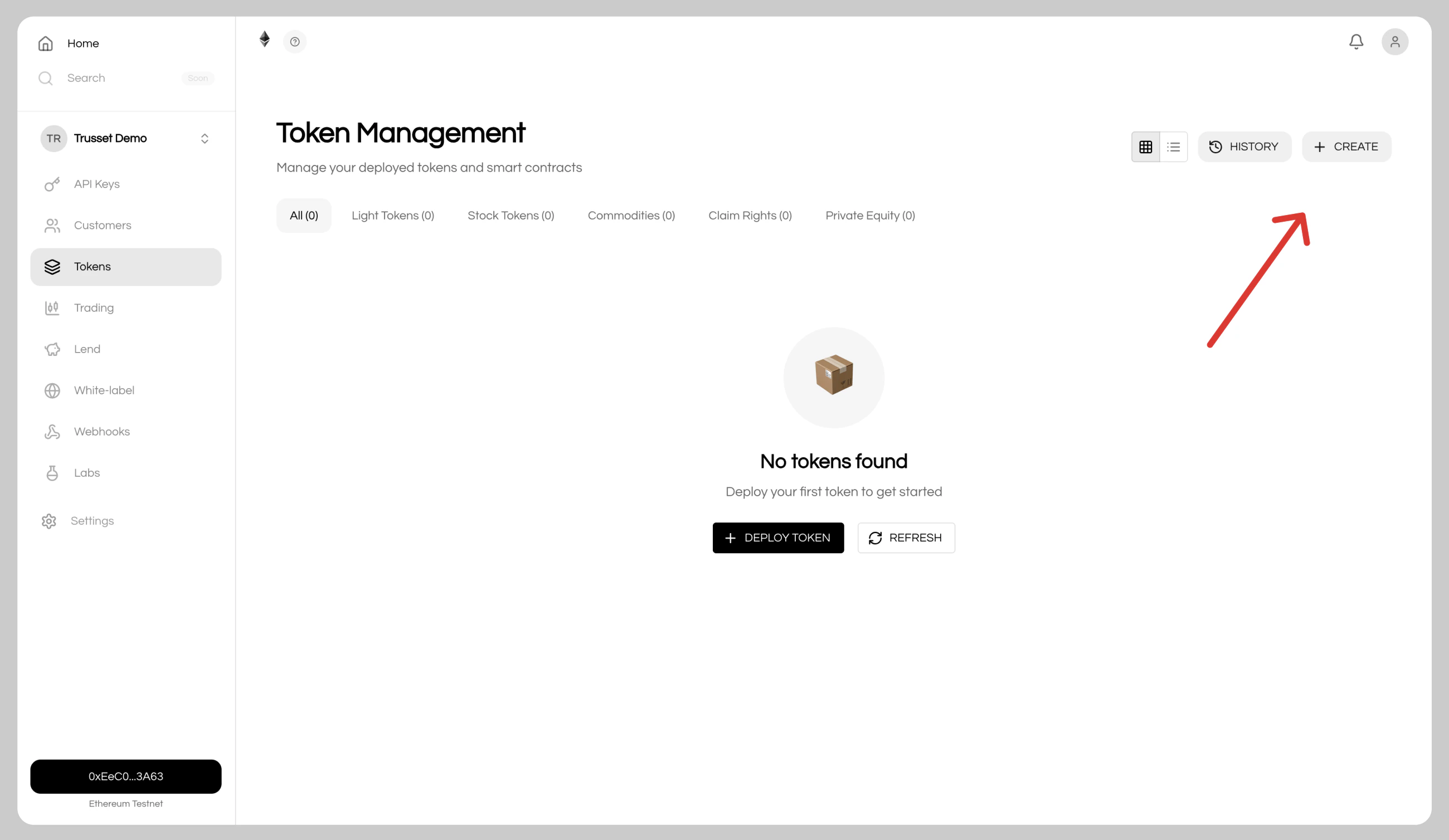
1. Open the Token Manager
In the issuer app, navigate toTokens in the sidebar and click Create.
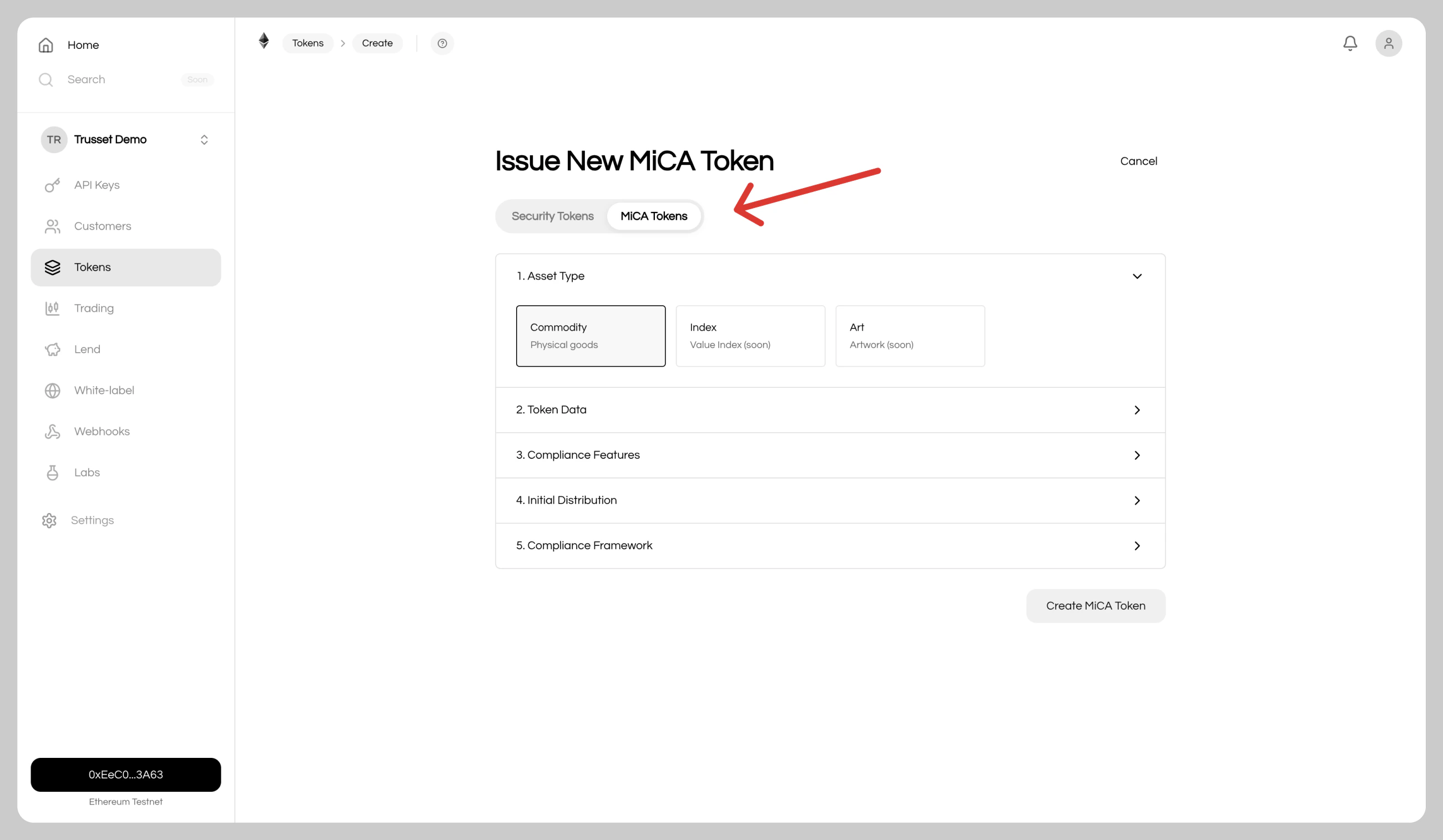
2. Select the MiCA Commodities Framework
ChooseMiCA → Commodities to deploy a compliant commodity token contract.
3. Define Token Details
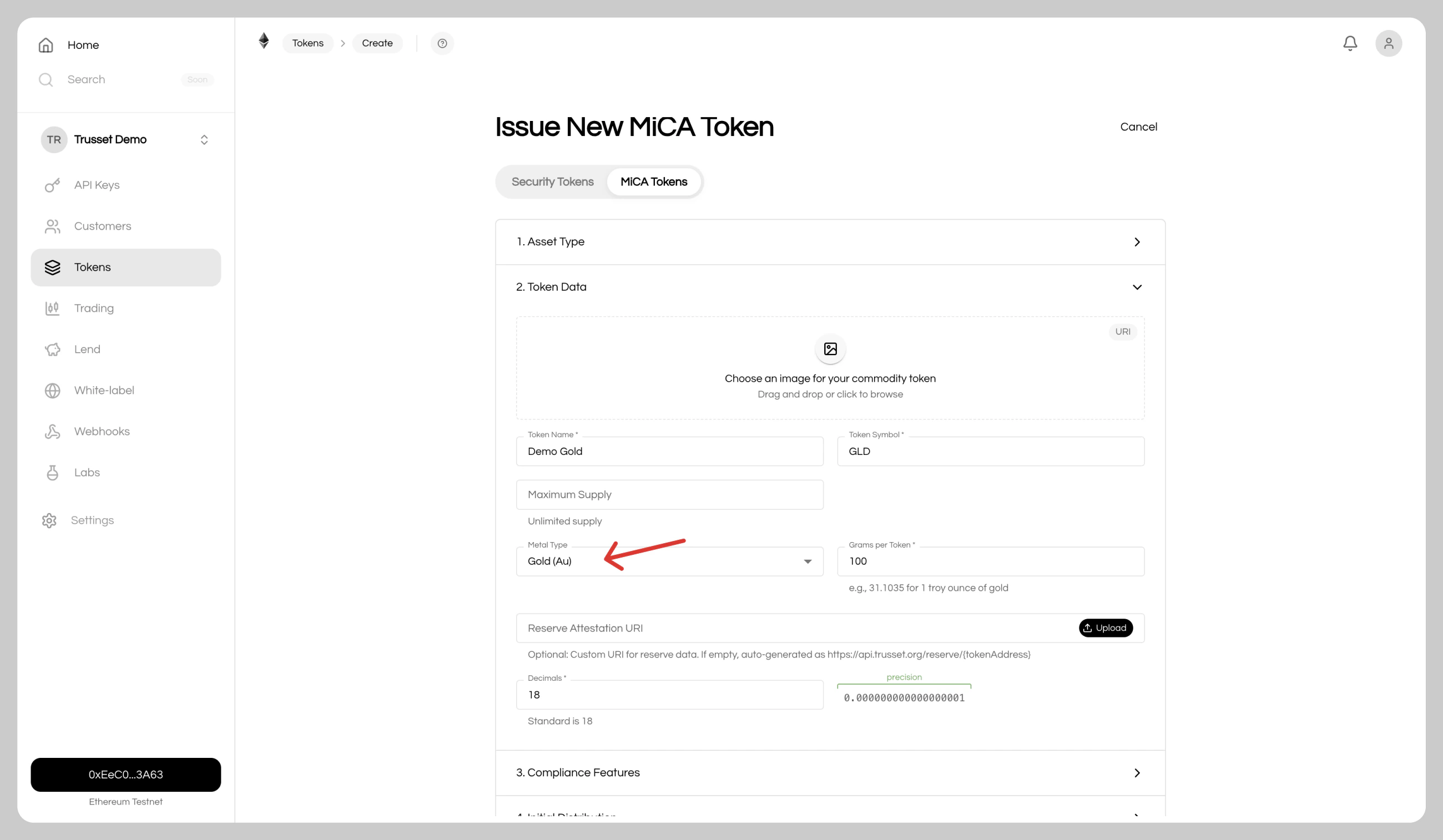
- Name: Name of your gold tokens
- Symbol: Ticker symbol (e.g.
XAUT) - Maximum Supply: Leave empty for unlimited supply
- Metal Type: Gold, Silver, Platinum, or Palladium
- Grams per Token: Physical grams each token represents
- Reserve Attestation: Leave empty to auto-integrate proof of reserves, or upload your own reports
- Decimals: Token precision, typically
18(range: 0-18)
4. Configure Compliance
Set compliance rules based on your legal requirements.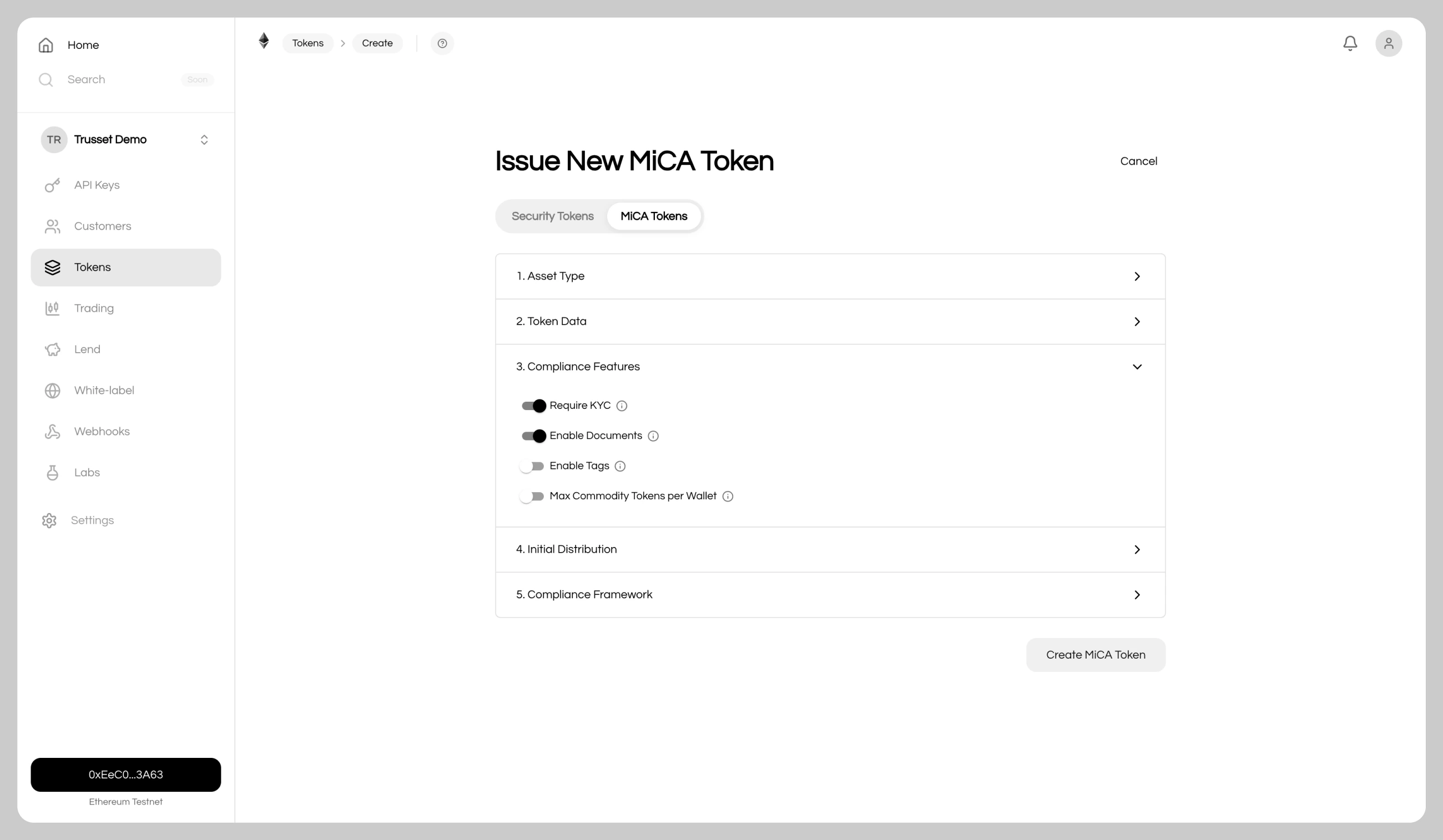
- Require KYC: Restrict transfers to verified addresses via the identity register
- Enable Documents: Attach additional documents to the token ofter creation
- Enable Tags: Add custom on-chain tags for indexing
- Max Commodity Tokens per Wallet: Cap holdings per wallet (does not apply to the admin wallet)
5. Set Distribution
Choose an initial token distribution and recipient.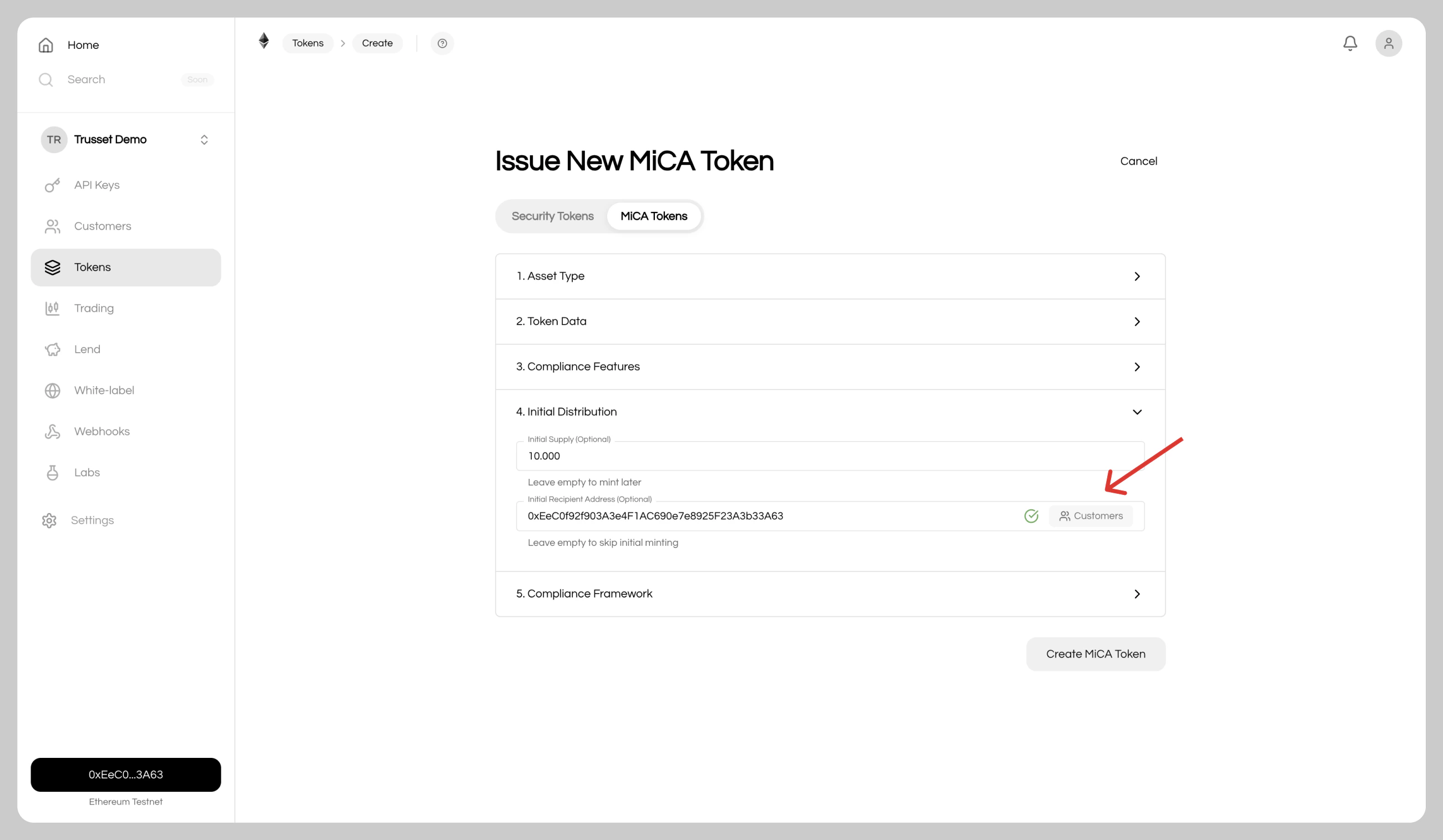
- Initial Supply: Optionally mint tokens on deployment
- Recipient: Select from your verified customers, the modal shows on-chain verification status
Tokens can be distributed to any address. Your connected wallet is set as the contract admin by default and can be changed later.
Done
After creation, you are redirected to the token dashboard where your gold tokens are ready.